Connect Your Slack Account
Last updated: March 9, 2026
How to connect your Slack workspace
Connecting Nume to your Slack workspace is an easy, optional step that we highly recommend to maximise the value of your AI CFO. It allows you to access Nume directly where you work best.
What you get with Slack
Proactive insights: Nume monitors your finances and sends smart notifications and financial insights directly to Slack, so you never miss critical updates.
Scheduled reports: Your scheduled reports (like a Daily Cash Report or Monthly Performance Report) are delivered automatically to your Slack workspace.
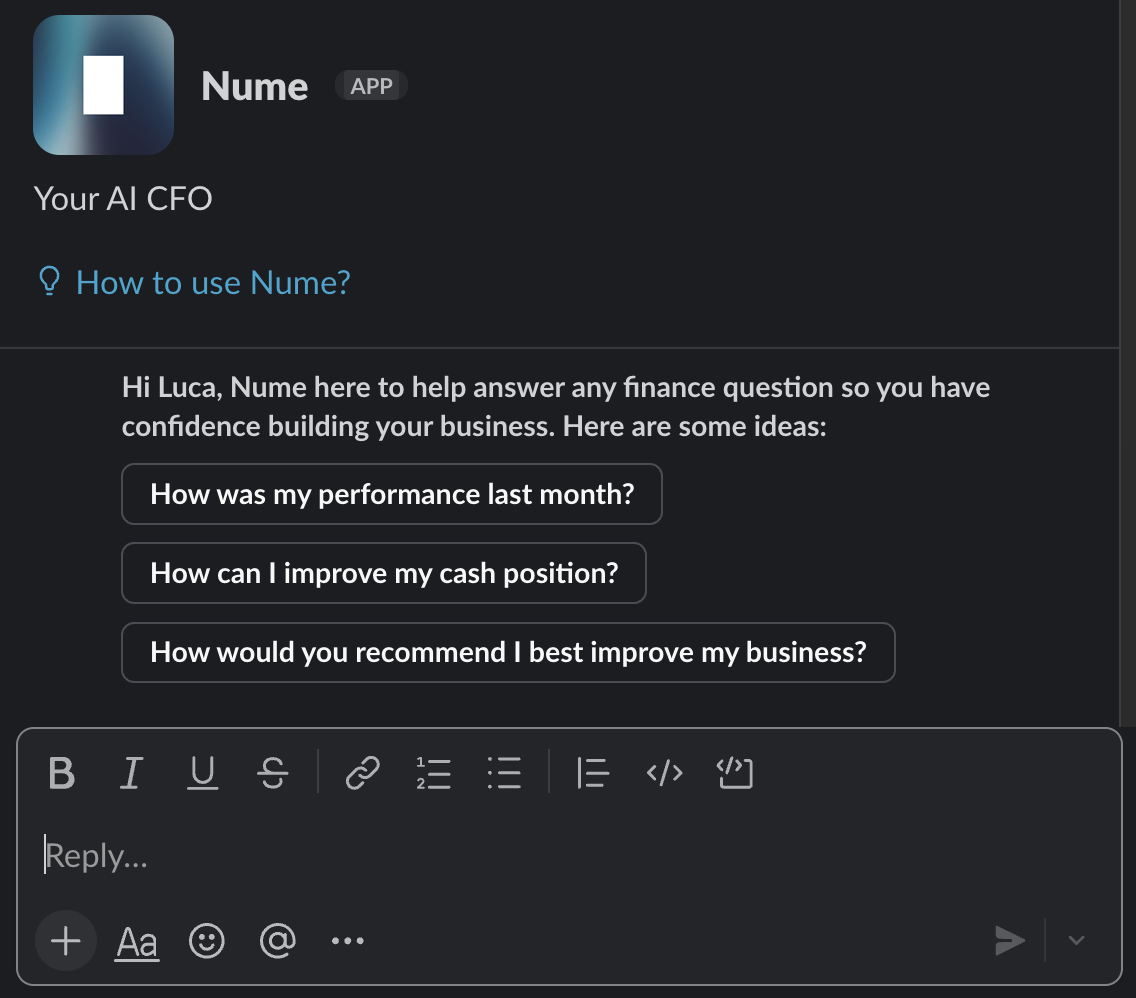
Instant answers: Chat directly with Nume inside Slack to ask questions or request ad-hoc analyses.
How it works
When you connect Slack, Nume automatically creates a private #nume-finance channel in your workspace and adds you as a member. This channel is your feed for all proactive reports and notifications. Each report includes buttons to view the full conversation or customise the task directly.
You can also chat with Nume one-on-one through the Nume App Home in Slack for quick questions and ad-hoc analyses.
How to connect
You will have the chance to connect to Slack immediately after completing the AI Interview in the onboarding flow:
Click the Add Slack button during the onboarding flow
You will be redirected to a secure Slack authorisation page
Review the app permissions and click Install Nume to complete the connection
You can also manage your Slack integration later through Nume's Settings under the Integrations tab.