Connect Your Bank Accounts
Last updated: May 11, 2026
How to connect your bank accounts
The next step in onboarding is to connect your business bank accounts. While optional, connecting your banks is highly recommended to significantly improve the accuracy and insightfulness of Nume’s reports.
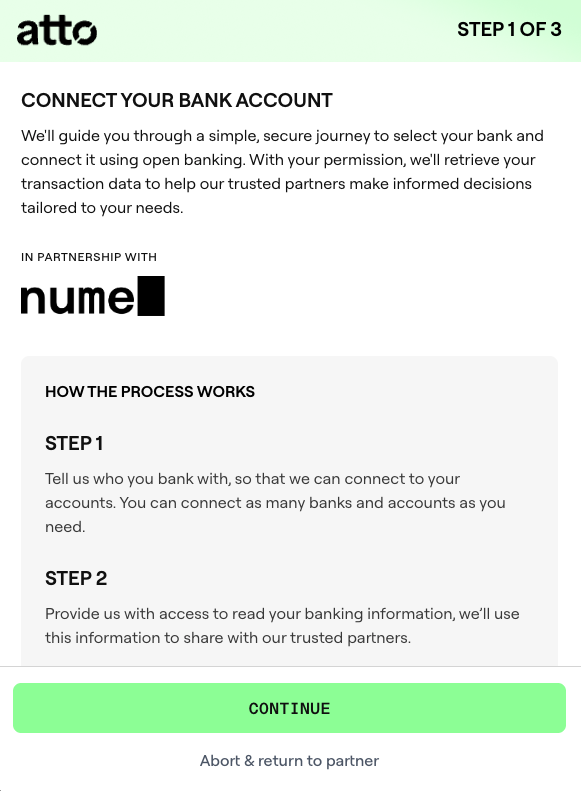
Example shown for Atto; Plaid users see a similar flow.
How the Connection Works
Nume partners with two open banking providers to handle secure integrations: Plaid for North American customers, and Atto for customers in the rest of the world. The right provider is selected automatically based on your region.
You will be guided through a simple, secure journey to select your bank and connect it using open banking.
With your permission, your provider retrieves your transaction data, which helps Nume deliver more informed financial decisions.
Connection Details
You can connect as many banks and accounts as you need.
A list of all supported bank connections can be found here. (Note: This links to a full list provided by the open banking partner).
If you are pressed for time, you can skip this step during the initial onboarding flow. To connect a bank later, click on your name and then Settings in the bottom-left navigation, then Banking, and select your provider.